
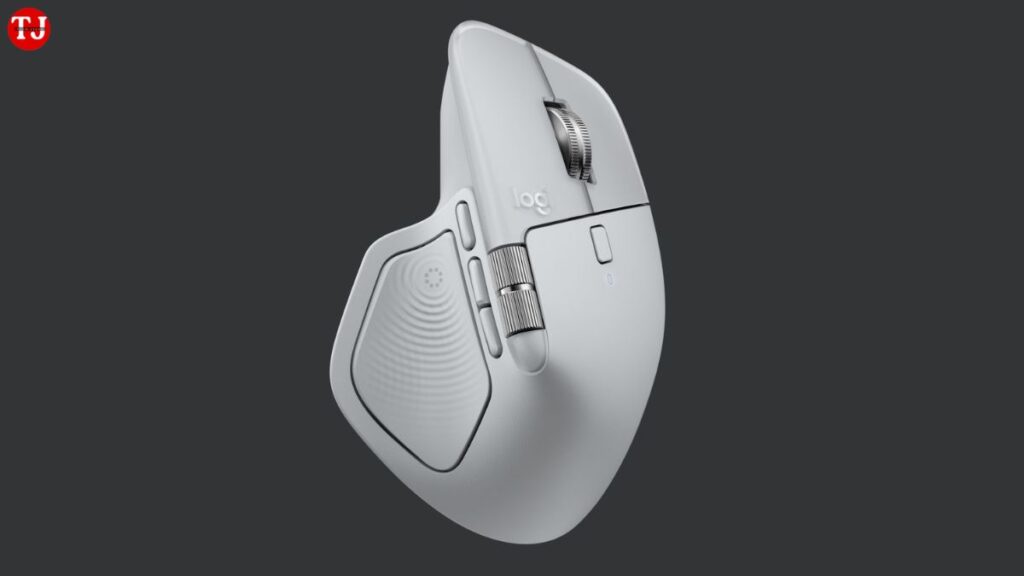
Logitech has officially launched the Logitech MX Master 4 wireless mouse in India, expanding its popular MX Master lineup designed for creative professionals, developers, designers, and productivity-focused business users. The new MX Master 4 introduces advanced haptic feedback, deeper software integration through Logi Options+, and improved wireless performance, making it one of the most feature-rich premium mice available today.
With smarter scrolling, customizable gestures, multi-device control, and sustainability-focused materials, the MX Master 4 aims to redefine how professionals interact with their computers—whether they are editing photos, coding, managing spreadsheets, or multitasking across devices.
Logitech MX Master 4: Designed for Power Users and Professionals
The MX Master series has long been known for its ergonomic design and productivity features, and the MX Master 4 builds on that legacy with meaningful upgrades. Logitech says the mouse is designed to help users work faster, reduce repetitive movements, and improve overall workflow efficiency.
One of the biggest highlights is the introduction of customizable haptic feedback, which provides tactile responses during scrolling, navigation, and selection. This feedback can be fine-tuned using Logitech’s software to match different applications and tasks, offering a more immersive and precise user experience.
Customizable Haptic Feedback for Smarter Control
The haptic scrolling and navigation system on the MX Master 4 allows users to feel subtle vibrations that confirm actions like scrolling through timelines, switching tools, or navigating long documents. This feature is especially useful for video editors, graphic designers, and developers, where precision matters.
Through Logi Options+, users can customize how the haptic feedback behaves in different apps, making the mouse feel uniquely tailored to their workflow.
Actions Ring and Logi Options+: Productivity on Another Level
A major software-driven upgrade on the MX Master 4 is support for the Actions Ring, a screen overlay accessible through a gesture button. The Actions Ring provides app-specific shortcuts, quick tools, and customizable controls, reducing the need for keyboard shortcuts or repeated mouse movements.
According to Logitech, using the Actions Ring can:
- Save up to 33% of working time
- Reduce repetitive mouse movements by up to 63%
This makes the MX Master 4 particularly useful for professionals who spend long hours on creative or technical tasks.
Multi-Device Switching and Seamless File Transfer
The Logitech MX Master 4 wireless mouse supports Easy-Switch, allowing users to connect and switch between up to three devices effortlessly. Whether you’re using a Windows PC, MacBook, tablet, or even an Android device, switching is seamless.
With Logi Options+, users can also transfer files, text, and images between connected devices, making it easier to work across multiple systems without relying on external storage or cloud uploads.
Improved Wireless Connectivity With Logi Bolt
Connectivity is another area where Logitech has made significant improvements. The MX Master 4 features a high-performance wireless chip and optimized antenna, which Logitech claims delivers up to two times stronger wireless connectivity compared to previous MX Master models.
Key connectivity features include:
- Bluetooth Low Energy 5.1
- Logi Bolt USB receiver (USB-C and USB-A support)
- Stable performance even in crowded office environments
- Wireless range of up to 10 meters
This ensures smooth, lag-free performance whether you’re working from home or in a busy office setup.
High-Precision Darkfield Sensor With 8,000 DPI
The MX Master 4 is equipped with a Darkfield high-precision sensor, capable of tracking on almost any surface, including glass. The sensor supports a DPI range of 200 to 8,000 DPI, adjustable in 50 DPI increments, allowing users to fine-tune sensitivity according to their preferences.
This makes the mouse suitable for:
- Ultra-wide and 4K displays
- Precise design and editing work
- Fast navigation across multiple monitors
Additionally, the clicks are 90% quieter than the MX Master 3, making it ideal for quiet work environments.
Ergonomic Design and Smart Hardware Controls
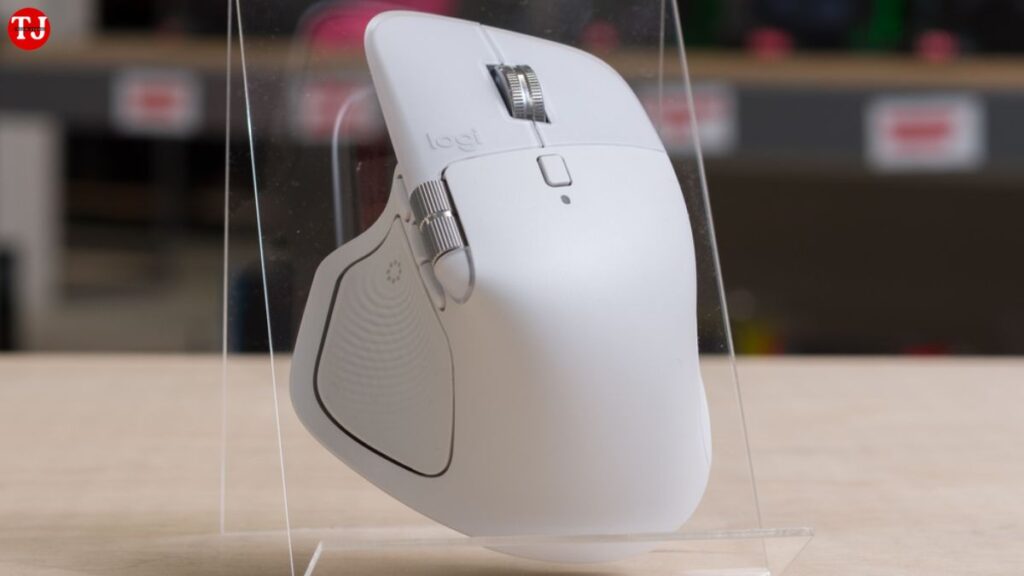
Logitech continues its focus on comfort with the MX Master 4’s ergonomic shape, designed to reduce wrist strain during extended use. The mouse includes:
- 8 programmable buttons
- MagSpeed scroll wheel with Smart Shift
- Horizontal scroll wheel
- Dedicated thumb wheel
- Gesture button
These controls are fully customizable through Logi Options+, allowing users to create personalized workflows for different applications.
Long Battery Life and Fast USB-C Charging
The MX Master 4 features a 650 mAh rechargeable battery, delivering up to 70 days of usage on a full charge. Logitech also includes fast charging support, where a 1-minute charge provides up to 3 hours of use.
Charging is done via USB-C, though the charging cable is not included in the box.
Sustainability and Eco-Friendly Materials
Logitech has placed strong emphasis on sustainability with the MX Master 4. The mouse is built using:
- 48% certified post-consumer recycled plastic
- Low-carbon aluminum thumb wheel
- Battery with 100% recycled cobalt
- FSC™-certified paper packaging
- Unpainted plastic parts for easier recycling and disassembly
This aligns with Logitech’s broader goal of reducing environmental impact without compromising product quality.
Logitech MX Master 4: Quick Specifications
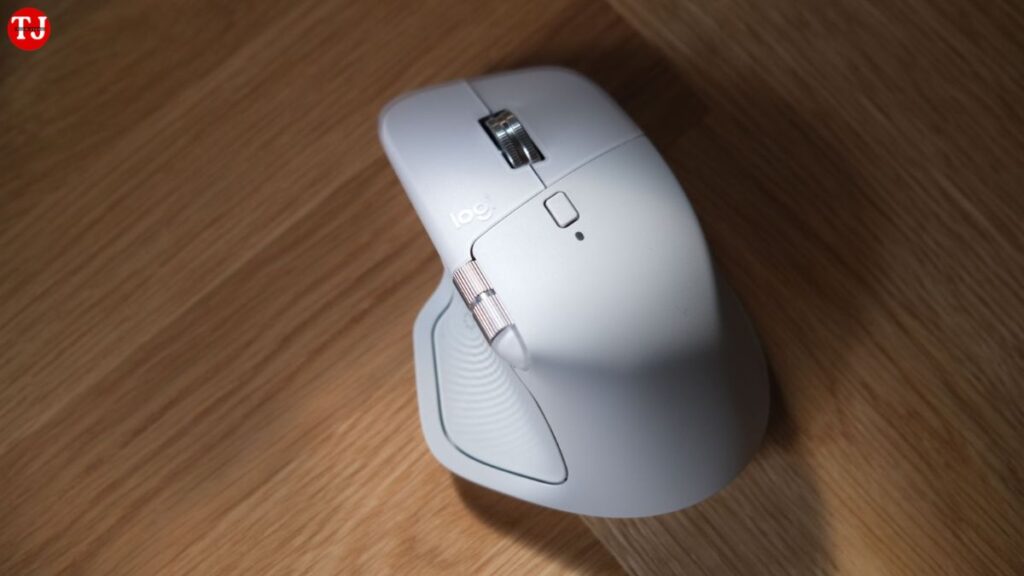
- Dimensions: 128.15 × 88.35 × 50.8 mm
- Weight: 150 g
- Buttons: 8
- Sensor: Darkfield, 8,000 DPI
- Scroll Wheel: MagSpeed with Smart Shift
- Battery Life: Up to 70 days
- Charging: USB-C (fast charging)
- Connectivity: Bluetooth LE 5.1, Logi Bolt
- OS Support: Windows 11+, macOS 13+, Linux, ChromeOS, iPadOS 15+, Android 12+
- Customization Software: Logi Options+
Price in India and Availability
The Logitech MX Master 4 price in India is set at Rs. 15,995 and is available in Graphite and Pale Grey color options. For a limited time, the mouse is also listed on Amazon India for Rs. 11,995, making it a strong value deal for professionals.
Additionally, buyers receive a one-month Adobe Creative Cloud membership, including access to Photoshop, Lightroom, and Premiere Pro, adding extra value for creators.
Final Verdict: Is the Logitech MX Master 4 Worth Buying?
The Logitech MX Master 4 wireless mouse is a premium productivity tool built for users who demand precision, comfort, and efficiency. With haptic feedback, advanced software features, multi-device support, long battery life, and eco-friendly materials, it stands out as one of the best professional mice available in India right now.
If you are a designer, developer, editor, or business professional looking to upgrade your workflow, the MX Master 4 is a powerful investment that delivers both performance and sustainability.